
What a VPS is, and when your own server works out cheaper than subscriptions
Juliusz Tomeczek,
VPS stands for virtual private server. Put simply: you rent a piece of somebody else’s data center and get your own machine inside it, on which you do as you like. It does not stand in a cabinet at your office but in your provider’s data center, and yet you treat it as though it were yours: you install whatever software you want on it, you decide when to update it, and you are responsible for keeping it running.
How it differs from hosting and from the cloud
Three things often go by the same word, “server”, and they differ in how much you are allowed to do and how much you have to.
Shared hosting is space on somebody else’s server, shared with hundreds of other sites. The provider decides what software is installed, and you upload the files of your site. It is cheap and it asks the least of you. You will not put your own tools on it, because you have no access to the system.
A VPS gives you a whole operating system. You can run a website on it, but also project management software, analytics, automations and backups. In return you watch over the updates and the security yourself.
Cloud computing rests on the same idea, but is billed differently. You pay not for the machine itself but for what you actually use, and when traffic grows the provider adds more machines on its own. That makes a small company’s bill unpredictable, because it depends on how much happens in a given month.
What actually runs on a server like that
I am not repeating the assurances from providers’ advertising here; I am describing the machine my company runs on.
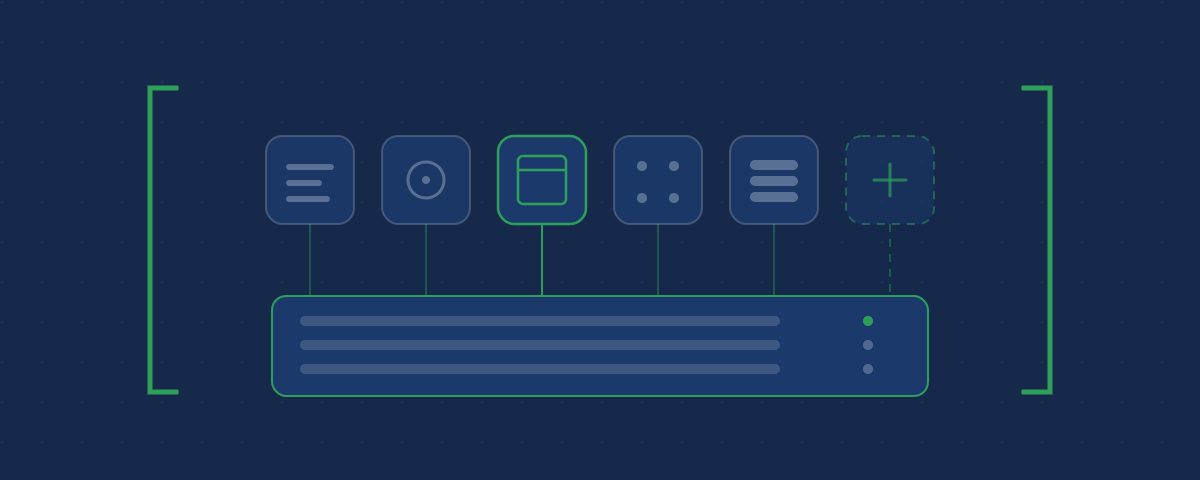
On one VPS I run six kinds of work: analytics for the visits to the sites I look after, project management, time tracking, automations connecting tools to one another, monitoring that checks every minute whether the sites respond, and backups of everything above. On that same machine sit the websites I build, including the one you are reading.
Every one of those tasks has its equivalent in a subscription. Every one can be bought separately and paid for monthly, per seat.
What it costs
My server costs about 140 złoty a month. Before that, on a smaller machine, the same line came to about 54 złoty. I changed it when it stopped being enough.
More important than the amount itself, though, is another property: every further tool started on that server costs nothing more. You pay for the server once a month, whether one application runs on it or eight. With subscriptions it is the other way round, because every further tool is another line on the list, and with several people in the company another set of seats as well.
So the break-even point does not lie in the price of the server, but in how many things you intend to put on it. With a single website, shared hosting is cheaper and simpler. With several tools at once the arithmetic reverses.
What such a server asks for in return
Here begins the part most texts praising your own server leave out.
The server has to be set up, meaning installed and configured, before anything can run on it. It has to be secured, meaning closing everything that does not have to be open to the world, and limiting access to the machine itself to the people who genuinely have business there. It has to be updated, because software nobody patches becomes, over time, a way in for a stranger. Backups have to be watched and, more importantly, checked that they can actually be restored. And finally you have to know it has stopped working before a client tells you.
This is work, not a one-off setup. If you have nobody to hand it to and you do not want to do it yourself, your own server is not a good idea for you, and you are better off staying with subscriptions. The bill will be higher, but what you buy in it is somebody else’s responsibility for keeping things running. If, on the other hand, you would like to hand it to somebody, get in touch.
Who it makes sense for
I see three situations in which your own server holds up:
The list of subscriptions has grown and you pay every month for several tools, each of which does one thing.
It matters to you that the data stays with you, because you work with information you would rather not keep at an outside provider.
You need something the off-the-shelf tools do not do, and you want to connect it your own way.
If none of those three applies to you, the saving will not be worth the trouble.
Where the rest of this sits
This is the first article in the series about your own server, which describes the tools that actually run on mine rather than surveying what is possible. All the articles sit in the Knowledge section.
Topics:
This text was written with the help of artificial intelligence tools, because that is how I work every day. I have checked every claim in it and I stand behind it under my own name. The drawings in this section were made the same way: they are vector graphics, written as code with the same help.
Juliusz Tomeczek, JT CONSULTING